
During the installation of SQL Reporting Services 2019 you will be asked to insert a license key. You don’t need to buy a separate key to make use of full features.
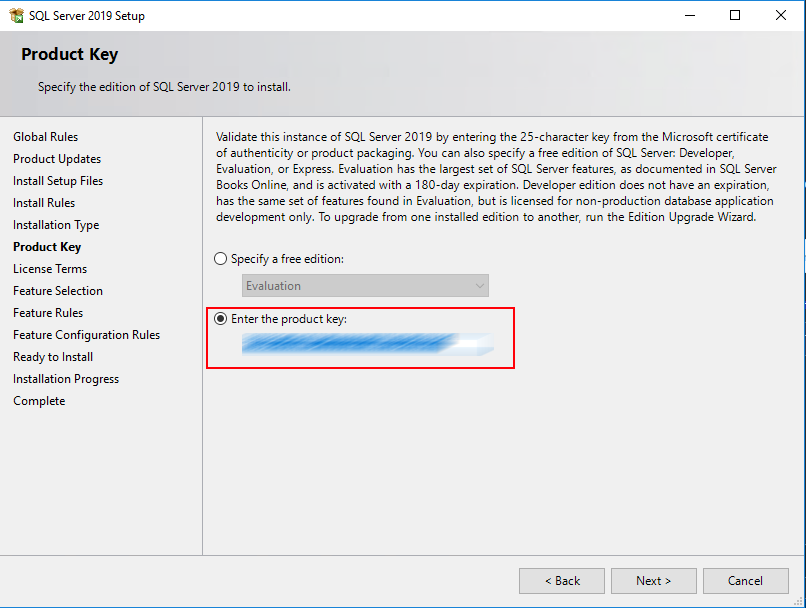
Start SQL Server setup
Run your SQL Server setup and copy the pre-populated key:
Download Reporting Services 2019, run setup, and paste the key:
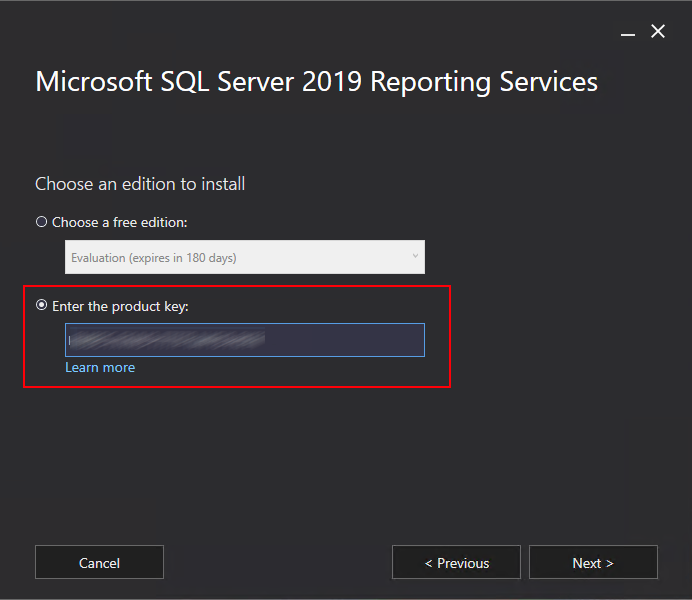
Continue your setup.
/